




WHITE-LABEL LOCAL SEO REPORTING AND TOOLS
Your brand. Our insights. White-labelled local SEO.
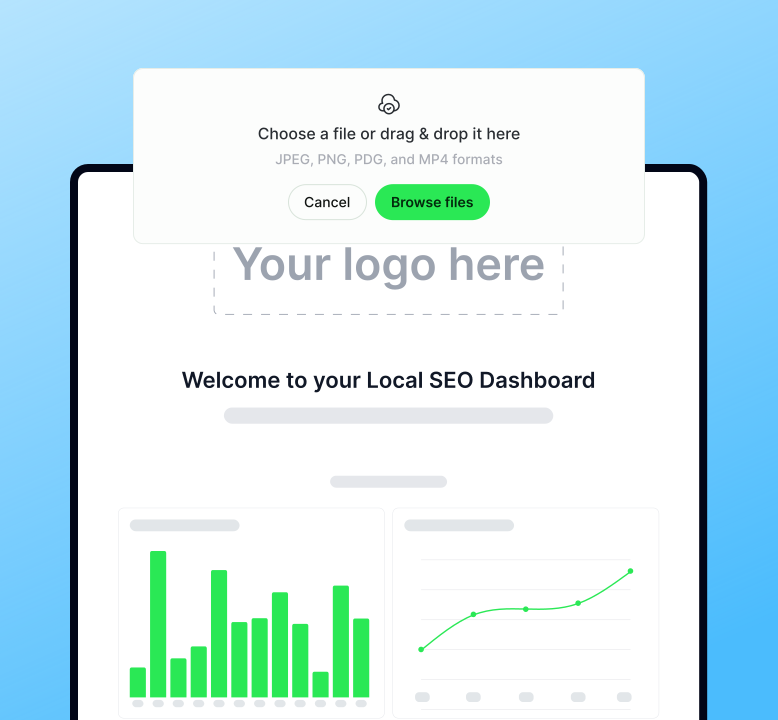
Brand every report in your own customizable client dashboard
-
White-labelled reports and dashboards
-
Custom logos, colours, and messaging
-
Control over which insights clients see
-
Custom domains so clients never see the BrightLocal brand

Keep clients updated without lifting a finger
-
Scheduled, automated daily, weekly, or monthly report emails
-
Custom alerts for ranking & performance changes
-
Fully white-labelled delivery puts client reports on auto-pilot

Simple and automated reports turn data into client retention
-
Clear, visual performance reports
-
Easy-to-read charts and summaries
-
Insights designed for non-experts


Try our white-label reporting for free!
14-day free trial. No card required. Full platform access.
“BrightLocal’s rankings and roll-up reports have been huge time-savers for our team.”
Alicia Hardy
Director of Digital Marketing
“BrightLocal’s detailed, white-label reports are fantastic.”
Loran Simon
Managing Director
“The best part? It’s all white-labeled, so we get all the credit.”
Andreas Georgiades
Co-Founder and CEO Seedhub
YOUR CLIENTS, OUR EXPERTS, YOUR BRAND.
Scale your agency with our white-label local SEO services
If your team is at capacity or you want to offer premium local SEO without the overhead of hiring, our “invisible” fulfillment team is here to help. We do the work; you keep the client relationship.
Your back office — All work and communication stay under your brand identity.
Get your clients found — Data-driven local campaigns to keep your customers paying.
Monthly white-label updates — Just drop in your logo and hit send.

Frequently asked questions

When you share an external report URL with a client, the BrightLocal name and branding are nowhere to be seen. The URL is generic and unbranded, ensuring that your logo and your company colors are the only things your client focuses on. It’s a professional, seamless experience that keeps the spotlight exactly where it belongs: on your hard work!
Customize Your View: Currently, you can choose which specific sections to display on external URLs and PDFs for both Local Search Audit and Local Rank Tracker reports. For example, in a Local Rank Tracker report, you can simply click the “Hide Section” button to remove any data you don’t want to share. More on that here.
Control Your Dashboard: Each report is attached to a specific “Location,” which makes it easy to manage your white-label settings. If you want to show some reports but keep others private, just follow the steps in our Help Center.


